Master Roster

HOW TO ACCESS YOUR TEAM'S MASTER ROSTER

1. Login: Go to the Cascadia Premier League TeamPass site and log in.

2. From the dashboard, select your team, and click on “View [Team Name] Roster”.
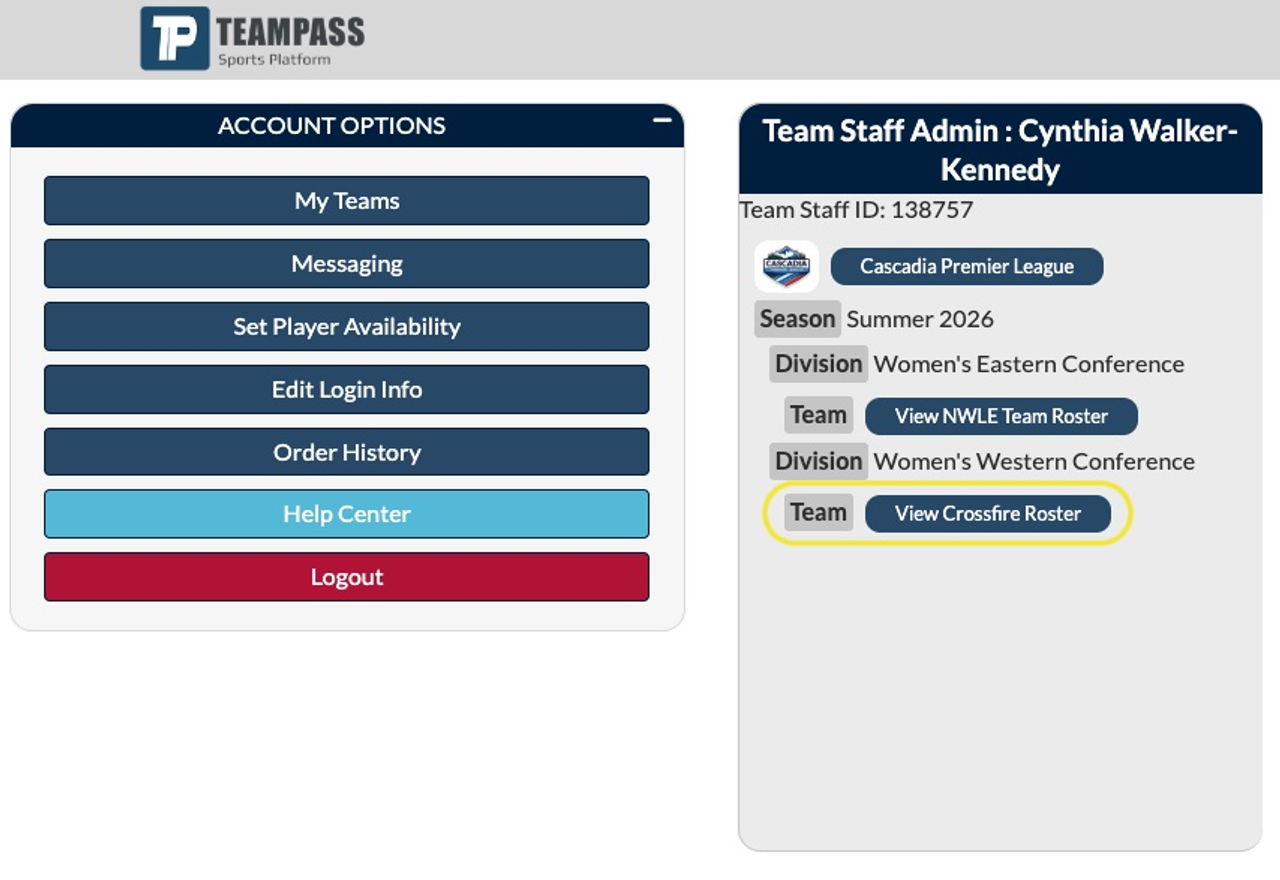
3. You will then be on your team page, and when you scroll down, you will see your Active Roster.

Note: If a player is missing from the Active Roster, they have not completed the Player Registration.

HOW TO PRINT YOUR TEAM'S MASTER ROSTER

Click the "Printable Roster"

Your roster will open in a PDF format listing all active registered players, including their headshot. Below is an image of the upper portion of the roster.

Then, print three (3) copies of the Master Roster and bring them to your game.

Frequently Asked Questions

Q: How do I update the player’s jersey number?

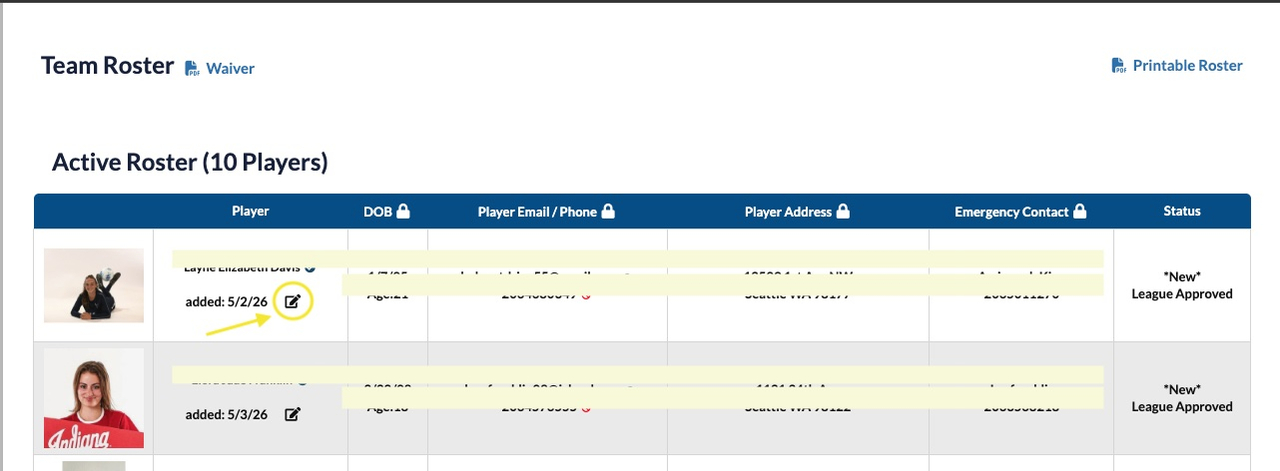
A: Click on the edit button, as shown below, and update the player’s jersey number and click “Save”.

Q: How do I update the player’s head shot photo?

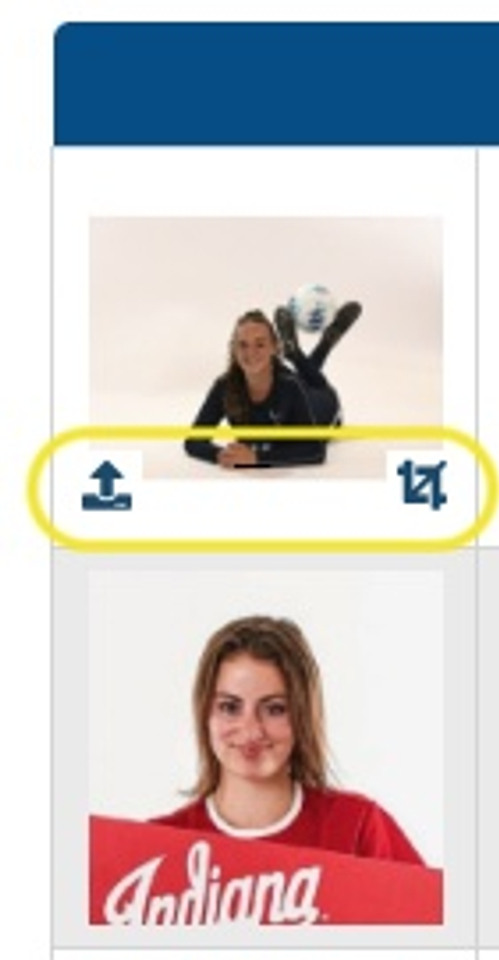
A: When you hover over the player’s photo, buttons to upload a new photo or crop the current photo will be visible.